Face Recognition Ticketing Application
2 min read
Android Kotlin ML Kit Face Detection API CameraX Coroutines MVVM
Table of Contents
Project Overview
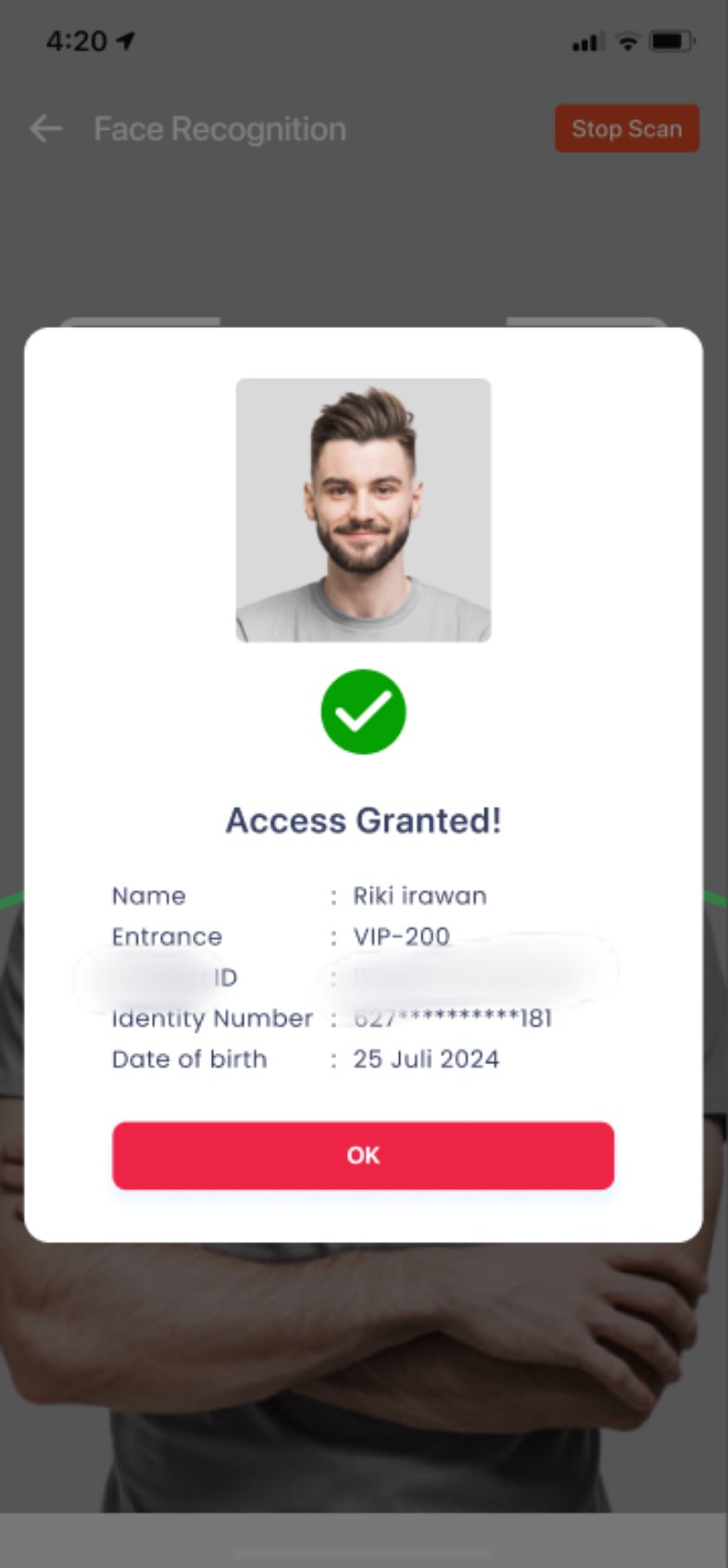
Developed a native Android-based facial recognition application that served as a gate access mechanism for a football match ticketing system at a stadium in Jakarta. This technology was used by gate operators to quickly and accurately verify spectator identities using mobile device cameras.
Project Duration: August 2024 - November 2024
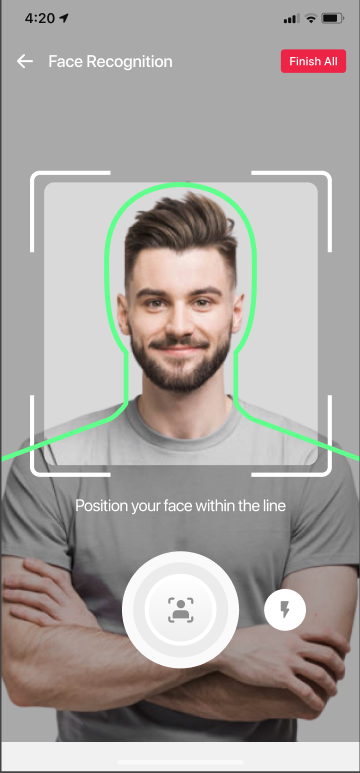
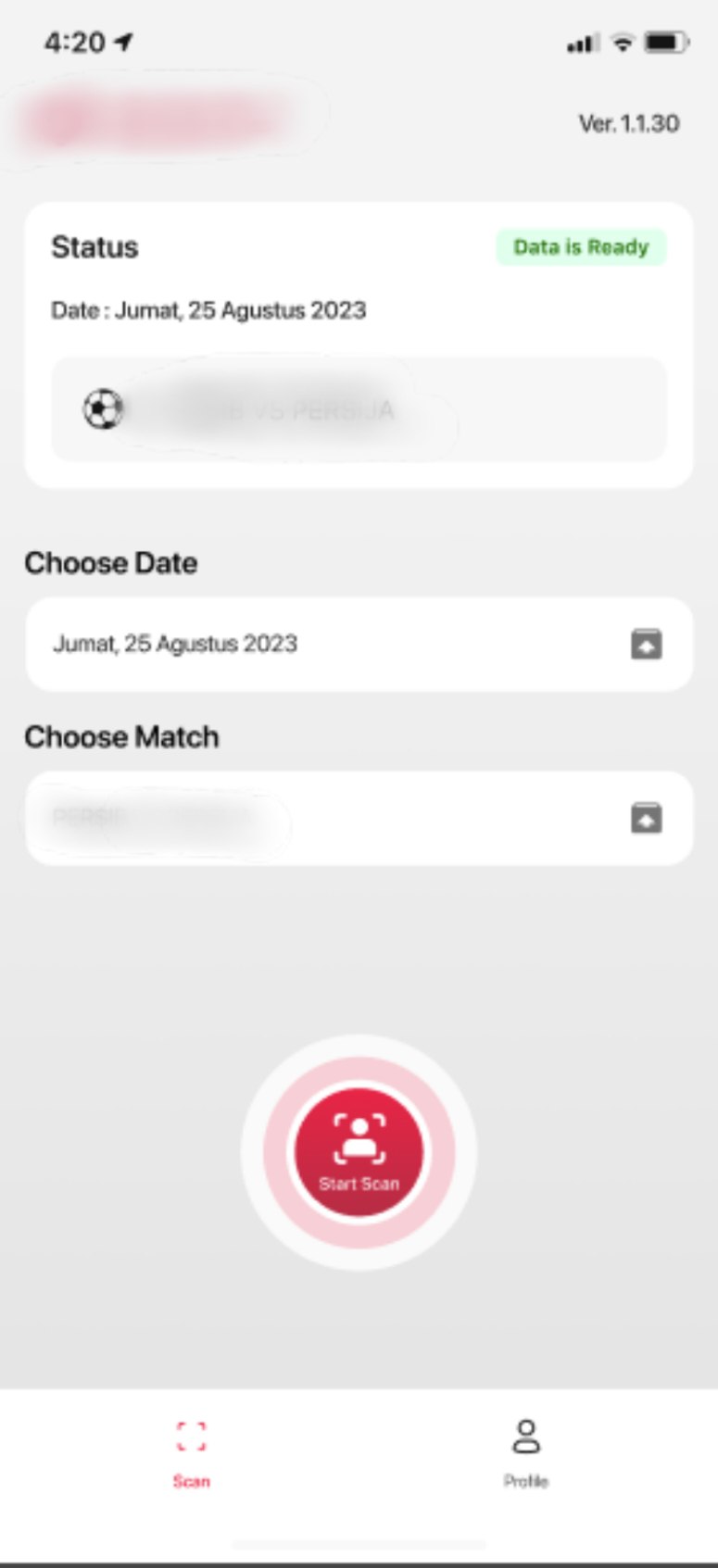
User Interface Application
View Screenshots
| 1 | 2 | 3 | 4 |
|---|---|---|---|
 |  |  |  |
Disclaimer
All product names, logos, and brands are anonymized. Screenshots are used solely to demonstrate technical experience.Project Description
General Overview
General Problem
- Conventional ticket validation processes are vulnerable to abuse
- Long queues at stadium gates on match days
- High network load due to the transmission of large image data
General Solution
- Implementing Face Recognition directly on Android devices
- Reducing network load by extracting facial feature vectors
- Integrating mobile applications with ticketing backend systems
System Architecture
-
Client Application for Operator Gate
- TensorFlow Lite for Face Recognition model inference
-
Backend Service
- User and ticket management API
- Face vector matching service
-
AI Pipeline (Existing)
- Model Face Recognition (baseline Python, converted to TFLite)
Problem Identification (Role-Specific)
Application Usage Context
- The application is used by stadium gate operators
- Runs on a dedicated client-managed Android device
Problem
- Initial Face Recognition implementations send full JPG image to backend
- Large data size causes:
- High latency
- Excessive network load
- Matching process becomes less efficient
Technical Solutions Implemented
Solution Approach
- Integrating AI model directly into mobile devices using TensorFlow Lite
- Ensuring optimal performance on Android devices
Technical Implementation
- Camera captures real-time face frames
- Frames are processed on device to extract 512-dimensional vector embeddings
- Only vector embeddings are sent to backend for matching
Challenges
Cross-Functional Collaboration
-
Cross-Functional Collaboration: Working with the AI Team to standardize image preprocessing (such as cropping and normalization) to ensure consistent vector results.
-
Adjusting inference logic between:
- Python model (existing)
- TensorFlow Lite model on mobile
-
Validating the consistency of embedding results
Cross-Functional Collaboration
- Intensive collaboration with:
- AI Team for preprocessing, normalization, and threshold adjustment
- Backend Team for API design, user management, and Face Recognition data transmission
Impact
- Data transmission becomes very light compared to sending full images
- Decreased latency during the verification process at the gate
- Utilization of the computational power of client devices for facial vector extraction
- The system becomes more scalable and stable for large events
My Contribution to the Project
- Integrating Face Recognition Vector Extraction using TensorFlow Lite
- Implementing authentication and user profile management
- Integrating match data and common endpoints
- Distributing the application using MDM (Mobile Device Management) Dashboard provided by the client